

You want webinars that actually work for your audience, not tech that gets in the way. This guide highlights three tools that modernize how you host and scale events, from one-on-one calls to multi-platform broadcasts.
We’ll show you how features like Ai Streaming and solid Webinar App architecture can save you time, broaden your reach, and significantly boost engagement metrics.
Table of Contents
Top Picks at a Glance
| Category | Product | Score |
|---|---|---|
| 🏆 Best For Live Classes | Meetn | 96/100 |
| 🎯 Best Zoom Alternative | VivoMeetings | 88/100 |
| 🚀 Best For Virtual Events | BeHuman Online | 100/100 |
How We Picked These Webinar Apps
You need tools that balance reliability, audience engagement, and cost efficiency. We prioritized platforms that make hosting smooth for both organizers and attendees, focusing on: easy join flows, robust streaming (including Ai Streaming capabilities), recording and replay automation, interactive widgets like polls and whiteboards, and transparent pricing.
We also weighted real-world feedback, support responsiveness, and how well each product functions as a scalable solution for live teaching, sales events, and large virtual conferences.
In-Depth Platform Reviews
Meetn

Meetn
Host everything from 1:1s to large-scale webinars with this user-friendly Zoom alternative.
Meetn feels like a practical, no-nonsense webinar room you can rely on. As a Streaming Software and Webinar App, it lets you preload slides, videos, and CTAs so sessions run smoothly, stream to multiple platforms at once, and deliver instant replay pages after every event.
You’ll appreciate simple room links for interviews or recurring classes, and the support team is known for being responsive when things get sticky. The UI leans a bit older and a few features like built-in whiteboard or multilingual registration pages are still catching up, but if you want dependable streaming and classroom-style controls without a steep learning curve, Meetn is worth a look.
Usability
| Aspect | Ease Level | Notes |
|---|---|---|
| Onboarding | Easy | You can get a room up and running quickly and guests join without installs. |
| Hosting Controls | Moderate | Hosts get useful widgets and preload options, though some admin settings take a moment to learn. |
| Mobile Experience | Easy | Joining from mobile browsers is straightforward, which helps reduce no-shows. |
| Scheduling | Moderate | Works fine for most events but time zone handling and concurrent meeting setups can need extra steps. |
Integration
| Software | Integration Quality |
|---|---|
| YouTube / RTMP | Seamless |
| Social Platforms (multi-stream) | Reliable |
| Calendar & Zapier | Good with workarounds |
| Browser Support | Strong on Chrome, variable on others |
Key Benefits
- Preload slides, videos, and CTAs to reduce on-air stress
- Stream to multiple platforms simultaneously for wider reach
- Interactive in-room widgets to boost engagement
- Automatic replay pages for fast sharing and follow-up
- Simple room links that make joining painless
VivoMeetings
VivoMeetings
Host remote meetings, courses, and events with breakout rooms, polls, Q&A, live chat, and more.
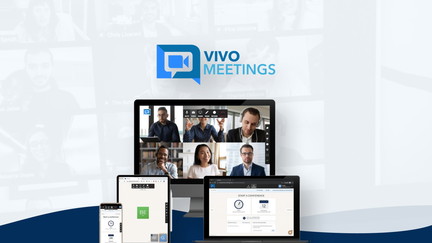
VivoMeetings is a cloud-based Streaming Software that feels familiar if you’ve used Zoom but with a focus on ease of use and flexible modes for teaching, meetings, and webinars. You can run sessions with breakout rooms, whiteboard, HD video, and polls, and attendees can join from mobile browsers without installing apps.
It handles small classes and larger streams (up to hundreds of participants) and records sessions for later sharing. Use it for regular team standups, client consults, teaching sessions, or occasional larger webinars where a simple join flow and a dependable whiteboard matter. If you want a straightforward Zoom alternative that keeps attendees on the page and reduces no-shows, this is a solid option.
Usability
| Aspect | Ease Level | Notes |
|---|---|---|
| Onboarding | Easy | Set up and invite links are straightforward and quick. |
| Host Controls | Moderate | Switching modes is simple, though advanced admin settings take a minute to find. |
| Participant Join | Easy | Joining via browser on mobile or desktop is smooth and reduces friction. |
| Teaching Tools | Easy | Whiteboard, polls, and breakout rooms are handy for live classes. |
Integrations
| Software | Integration Quality |
|---|---|
| YouTube / RTMP | Strong |
| Calendar & Zapier | Good with workarounds |
| Whiteboard / Annotation | Built-In |
| Browsers / Platforms | Cross-Platform |
Key Benefits
- No-app mobile browser joining to reduce friction and no-shows
- Switch between meeting, teaching, and webinar modes easily
- Built-in whiteboard and annotation tools for live teaching
- Breakout rooms, polls, and Q&A to keep attendees engaged
- Reliable recording and HD video for polished replays
BeHuman Online
BeHuman Online
Virtual conference, expo, coaching, and meet-up platform that deeply engages attendees.
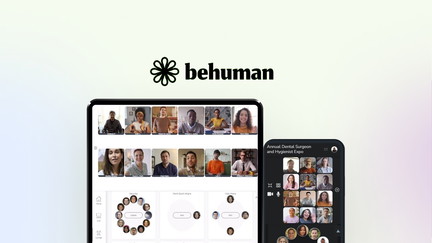
BeHuman.Online makes large, branded virtual events feel more like in-person gatherings. You can build expo halls, sponsor booths, and open mingles where attendees jump between video tables, and the platform supports custom domains and CNAME links for a polished, on-brand landing experience.
It’s web-based so guests join without downloads, which keeps no-shows low, and built-in tools make hosting multi-stream events simple. Ai Streaming features help optimize streams and captions so your sessions reach wider audiences with fewer hiccups. Use it for regular community meetups, recruitment fairs, coaching cohorts, or full-scale conferences where attendee engagement matters most.
Usability
| Aspect | Ease Level | Notes |
|---|---|---|
| Onboarding | Easy | Basic event creation and theme application are straightforward and guided. |
| Event Setup | Moderate | Building expo pages and sponsor booths takes time but the templates help speed things up. |
| Attendee Experience | Easy | Attendees join in the browser and can freely mingle across video tables. |
| Admin Dashboard | Moderate | Real-time controls are powerful, though exporting reports requires a short learning curve. |
Integrations
| Software | Integration Quality |
|---|---|
| YouTube / Vimeo / Twitch / RTMP/HLS | Strong |
| AWS Video Calls | Good (requires setup) |
| Ticketing / Registration Imports | Reliable |
| Custom Domains (CNAME) | Built-In |
Key Benefits
- No-download web access to reduce attendee friction
- Custom domain and CNAME support for branded events
- Unlimited expo pages and sponsor booths to monetize events
- Multiple live streams per event with flexible RTMP/HLS support
- Ai Streaming enhancements for smoother playback and captions
Frequently Asked Questions
How Do I Choose The Right Webinar App?
Pick the tool that matches how you run events: choose a platform built for teaching if you host live classes, a familiar Zoom-style app if you need simple meetings and whiteboard tools, or a conference-focused product when you want expo halls and sponsor pages. Think about attendee friction, so prefer web-based join flows if your audience dislikes downloads, and look for Streaming Software features like multi-platform streaming and Ai Streaming enhancements if reach and captions matter.
Can I Stream To Multiple Platforms Or Run Concurrent Sessions?
Yes, multi-platform streaming is supported by several platforms here, and you can push a single session to YouTube or RTMP endpoints for wider reach. If you need truly concurrent meetings from one account, plan for co-hosts or separate host seats because most Webinar App setups limit a single active session per host; using additional hosts or devices is the common workaround.
What Practical Steps Reduce No-Shows And Technical Issues?
Make joining painless by using browser-based links and preload slides, videos, and CTAs so you aren’t juggling files on air, and always run a short test in Chrome to catch blocking extensions. Use auto-generated replay pages to capture late attendees, verify timezone handling for invites, and enable Ai Streaming features like captions to improve accessibility.
What Users Prefer
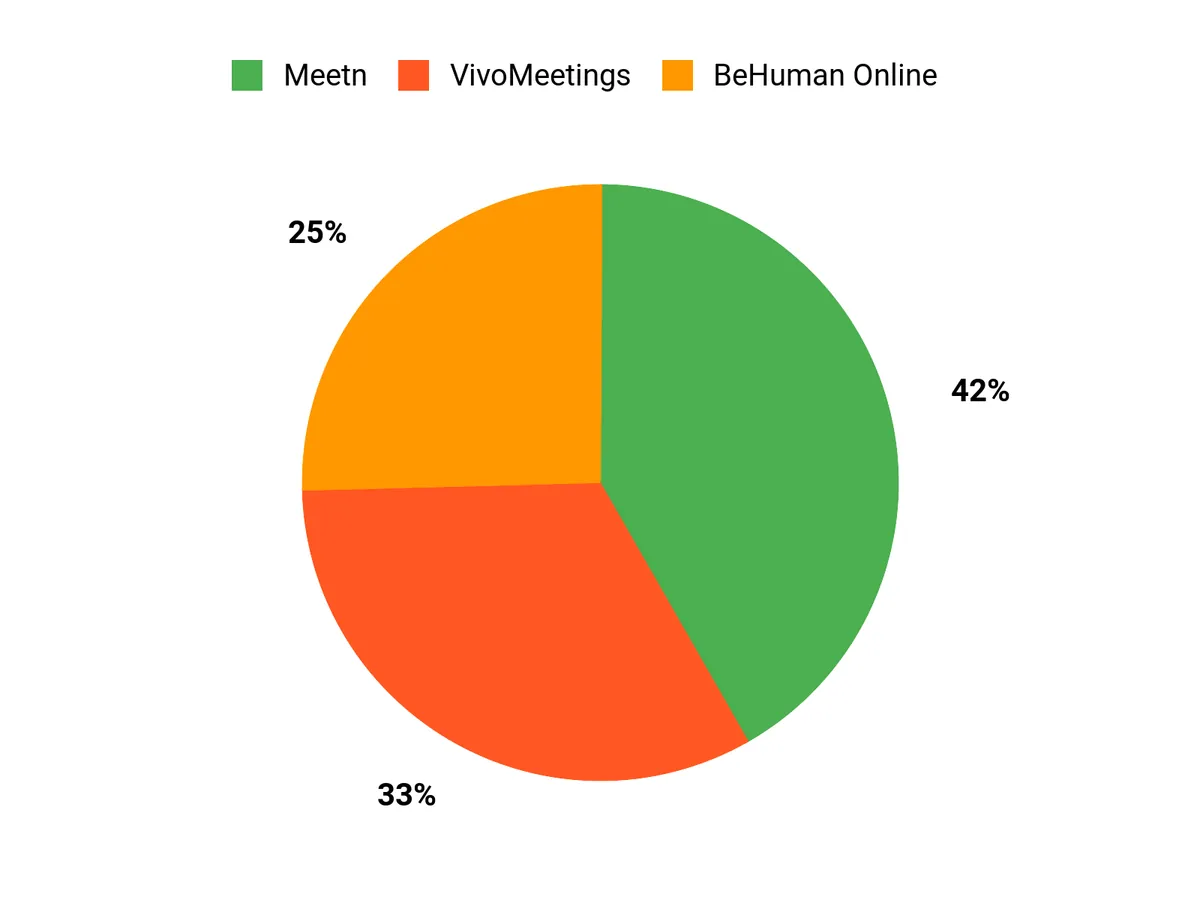
When choosing between Meetn, VivoMeetings, and BeHuman Online, prioritization depends on ease of access vs. depth of engagement. If you run classes or multi-platform broadcasts you’ll lean toward Meetn or VivoMeetings for preloadable assets and whiteboard tools. BeHuman Online is the pick when branding, sponsor booths, and expo-style interaction matter most.
Final Verdict
Now that you know the standouts, pick the one that fits how you run events. Choose Meetn if you teach live classes and want preloaded assets and in-room engagement tools.
Choose VivoMeetings if you want a familiar, all-purpose Zoom alternative with whiteboard and solid mobile browser joining. Choose BeHuman Online if you run branded conferences, expos, or community events and need high engagement plus custom domain options.
Product Comparison
| Product | Image | Rating | Key Highlights | Compatibility |
|---|---|---|---|---|
| Meetn | 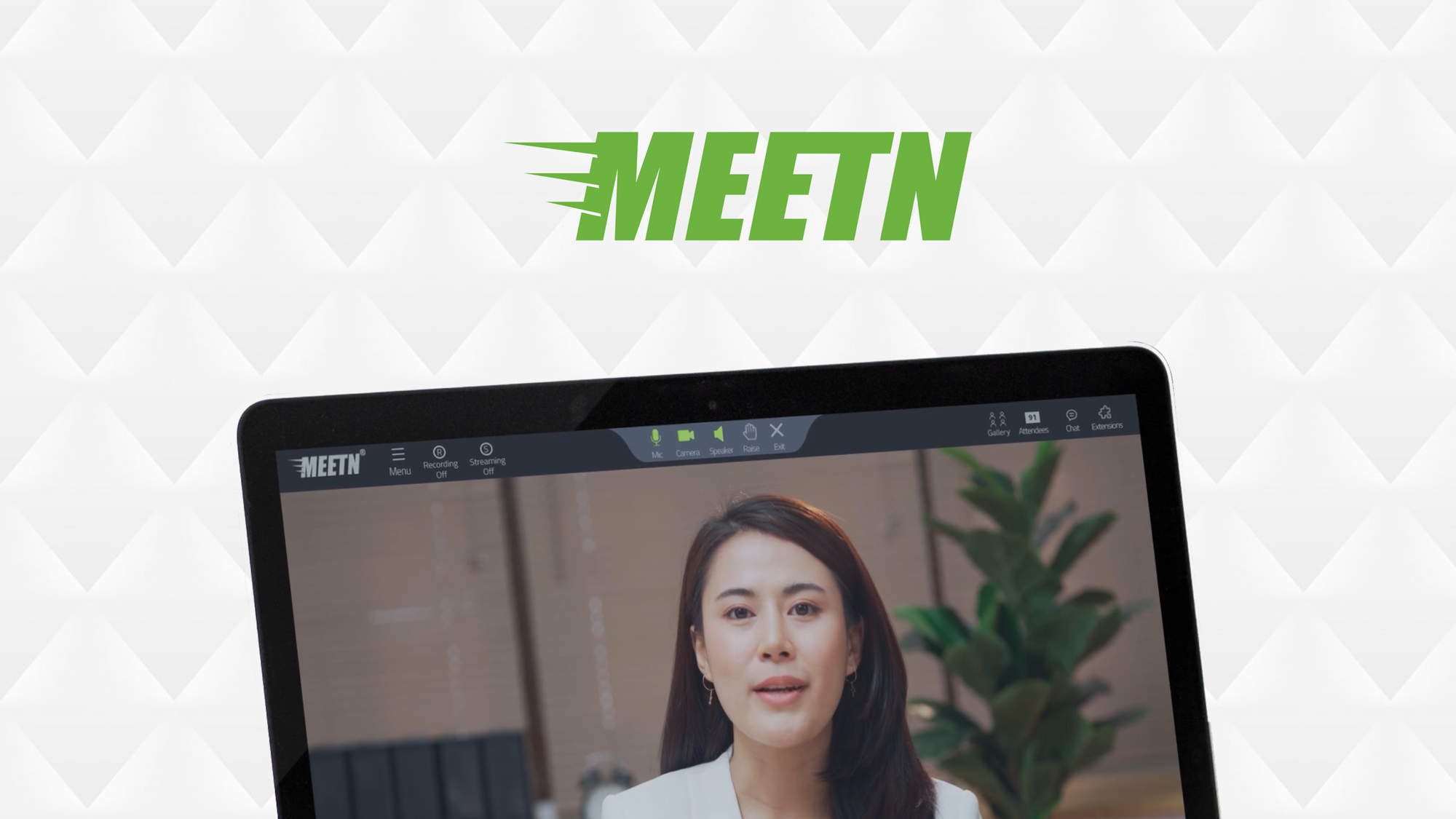 |
4.8/5 |
|
Web-based; Windows, Mac, iOS, Android |
| VivoMeetings | 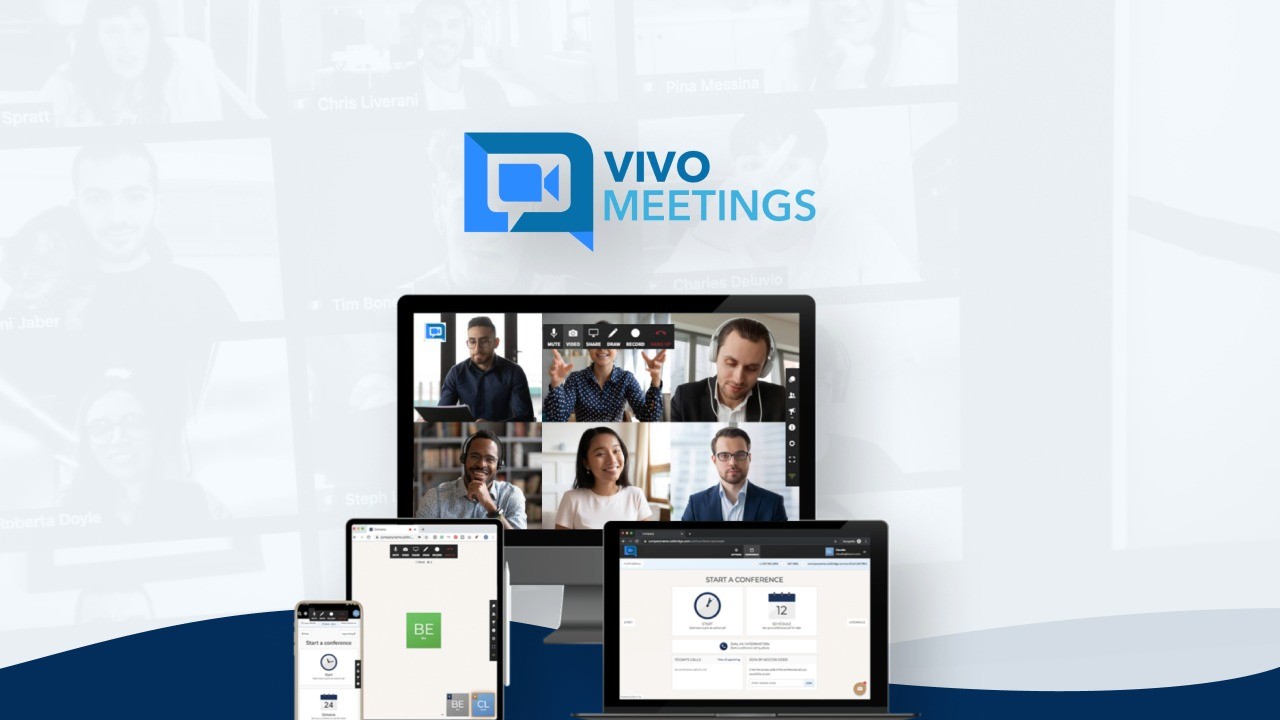 |
4.4/5 |
|
Windows, Mac, iOS, Android |
| BeHuman.Online | 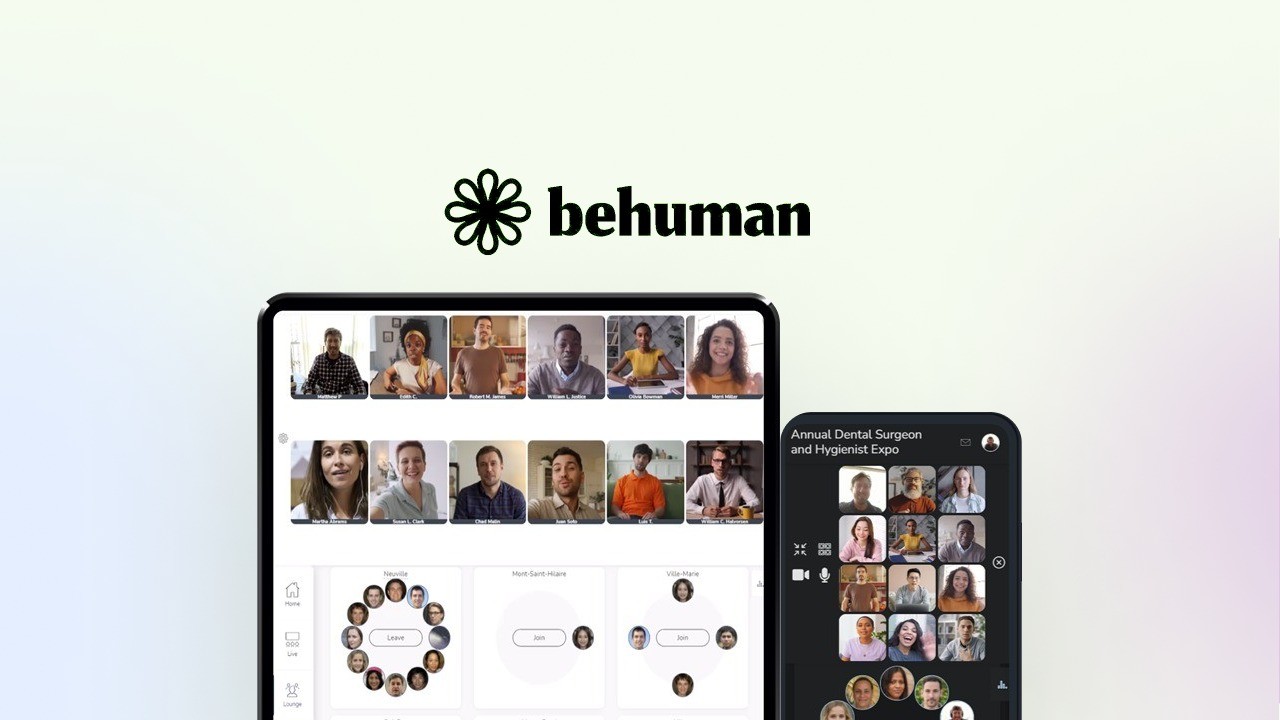 |
5.0/5 |
|
Web-based; All modern browsers |
This article is reader-supported. When you click through links we may earn a referral commission on qualifying purchases.